



 34 / 56

34
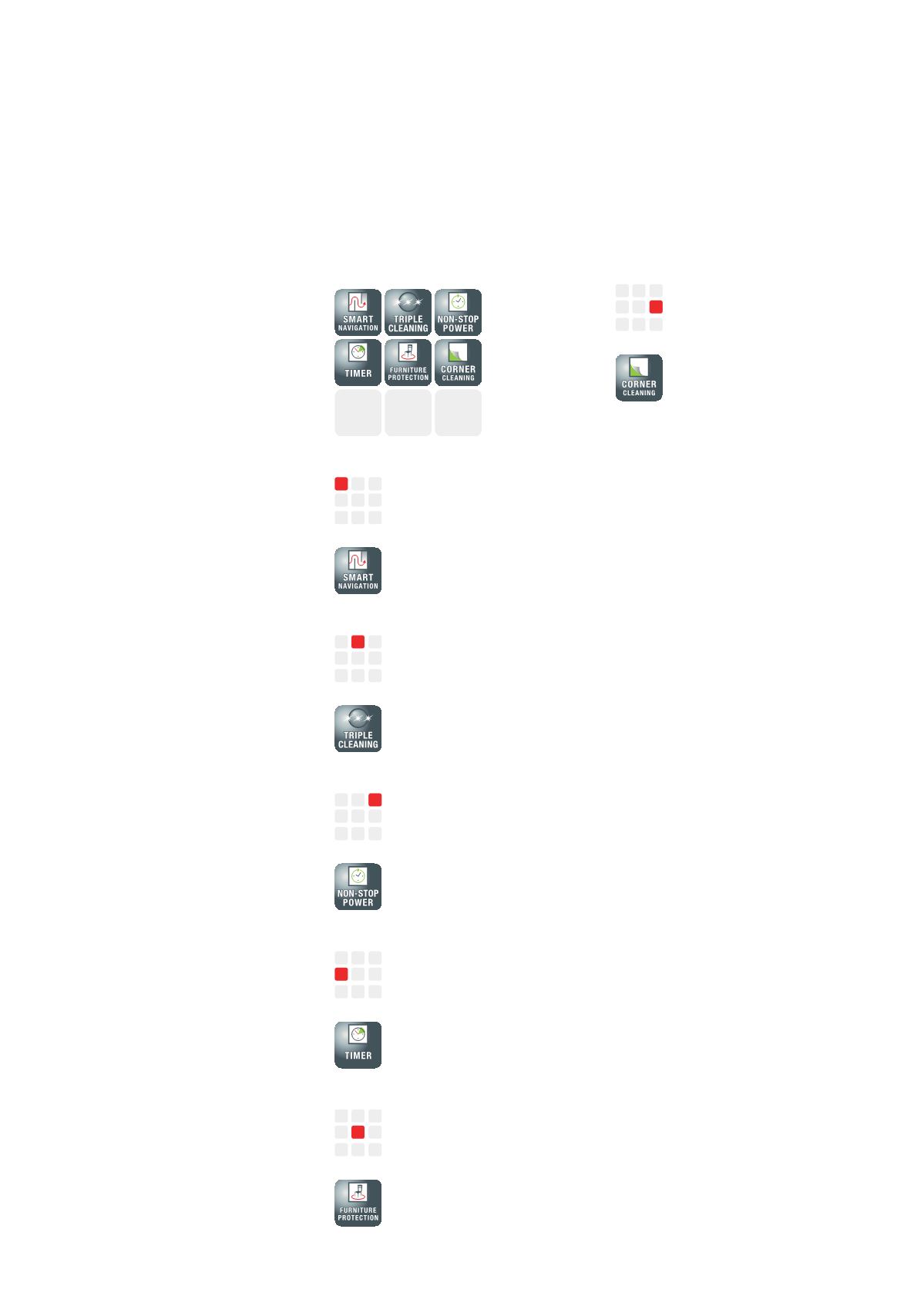
SmartNavigation
Indicates which navigation system
is installed.
SmartNavigation:
Reliably navigates right up to room
corners.
TripleCleaning
Indicates which cleaning system is
installed.
TripleCleaning:
Ensures extremely thorough dust
and dirt removal.
Non-Stop PowerNon-Stop
Power
Indicates battery capacity.
Non-Stop Power:
Long battery charge - up to two
hours (150 m²) without break.
Timer
Indicates start time.
Timer:
Vacuums your home
independently at any set time.
Furniture protection
Indicates when an obstacle has
been detected.
Furniture protection:
Detects furniture & stairs and
avoids collisions or falls.
CornerCleaning
Stands for particularly thoroughly
cleaned corners.
CornerCleaning:
Reliably finds and cleans corners
and edges.
What do the icons mean?
Symbols for robot vacuum cleaners at a glance
The product overview on the
following pages contain details of
Miele's robot vacuum cleaners,
including icons to assist in
differentiating the models at a
glance.
Here's a glossary of icons.